
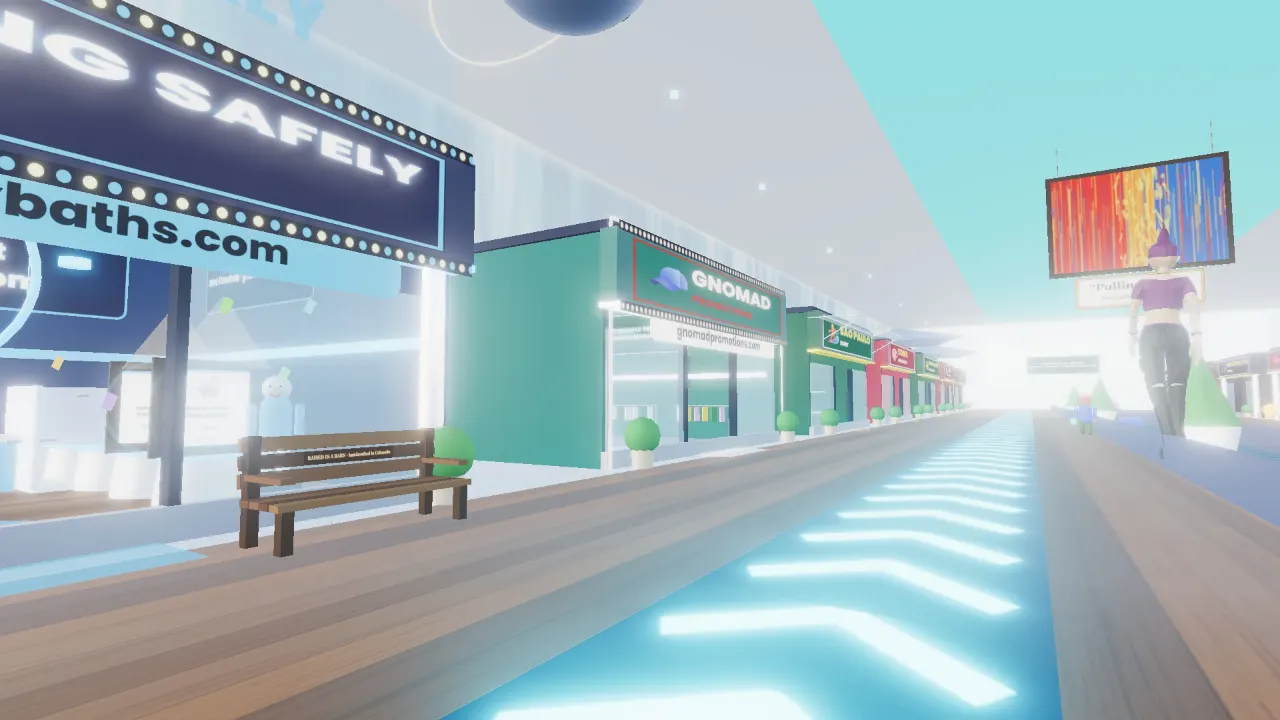
Built for ordinary devices
The mall is made with three.js and loads in stages, so the first view appears quickly and the far wings build while you walk. Distant signs and detail thin out so it stays smooth on ordinary hardware. If 3D is too much for a device, the Mall feed shows the same stores as a fast flat page.
How the mall is laid out
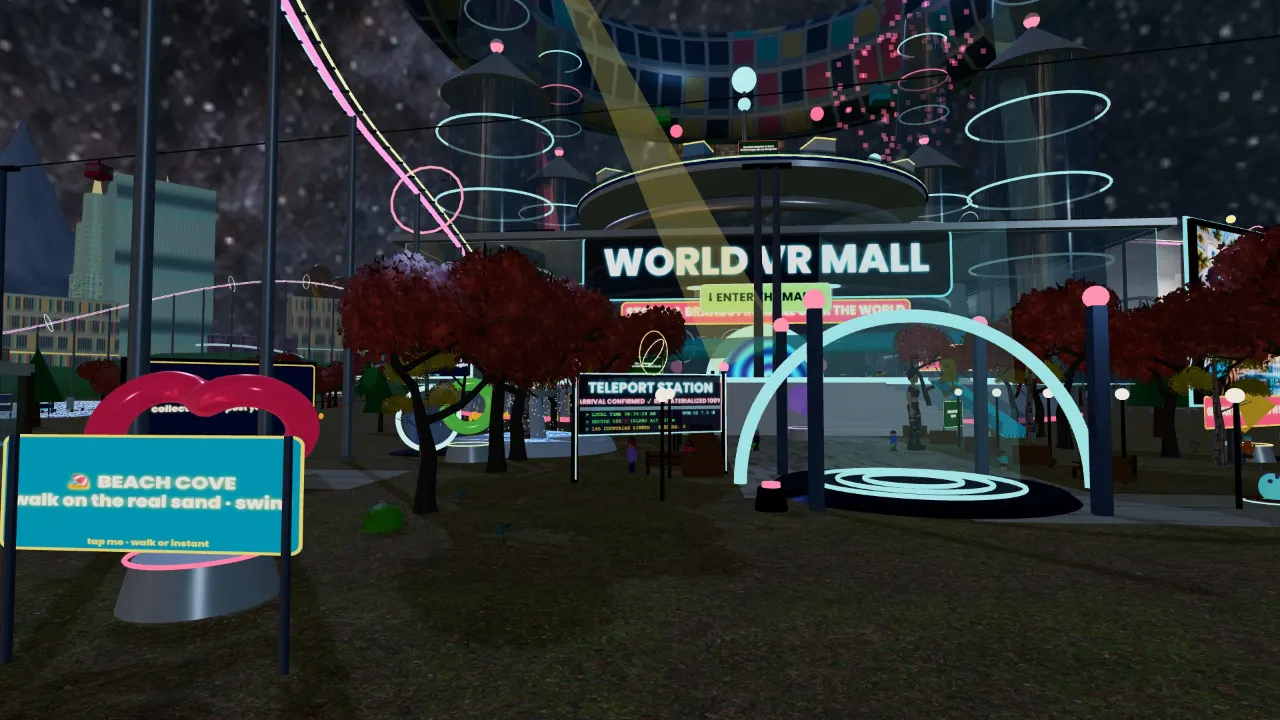
Stores are real places with real links
Each open storefront has shelves with readable product names and prices, a clerk that answers questions from the store's real product list, and buttons to the brand's own site and phone. Here are a few:
- Eye To Ad MediaSEO, AI search and websites · Denver
- Showers4LessRoll-in and ADA showers · ships nationwide
- Aging Safely BathsWalk-in tubs · installs nationwide
- Gnomad PromotionsBranded merchandise · USA
- Bear Creek Auto GlassWindshield replacement · Littleton, CO
- Bighorn PaintingHouse painters · Arvada, CO
How to get in
- Phone or tablet: open worldvrmall.com, drag to look, use the joystick or tap where you want to walk.
- Laptop or desktop: W-A-S-D or the arrow keys, drag the mouse to look.
- VR headset (Meta Quest and other WebXR browsers): open the same address in the headset browser and tap Enter VR.
- No 3D at all: the Mall feed and the Directory are plain pages with every store, product and phone number.
Questions
Do I need a powerful computer?
No. It is tuned for phones and ordinary laptops. A recent browser is the main requirement.
Is there a version without 3D?
Yes: the Mall feed at worldvrmall.com/feed/ and the Directory at worldvrmall.com/directory/.
Can I share a store with a friend?
Yes. Every store, product and place has a Share button, and links can open straight at a store door.